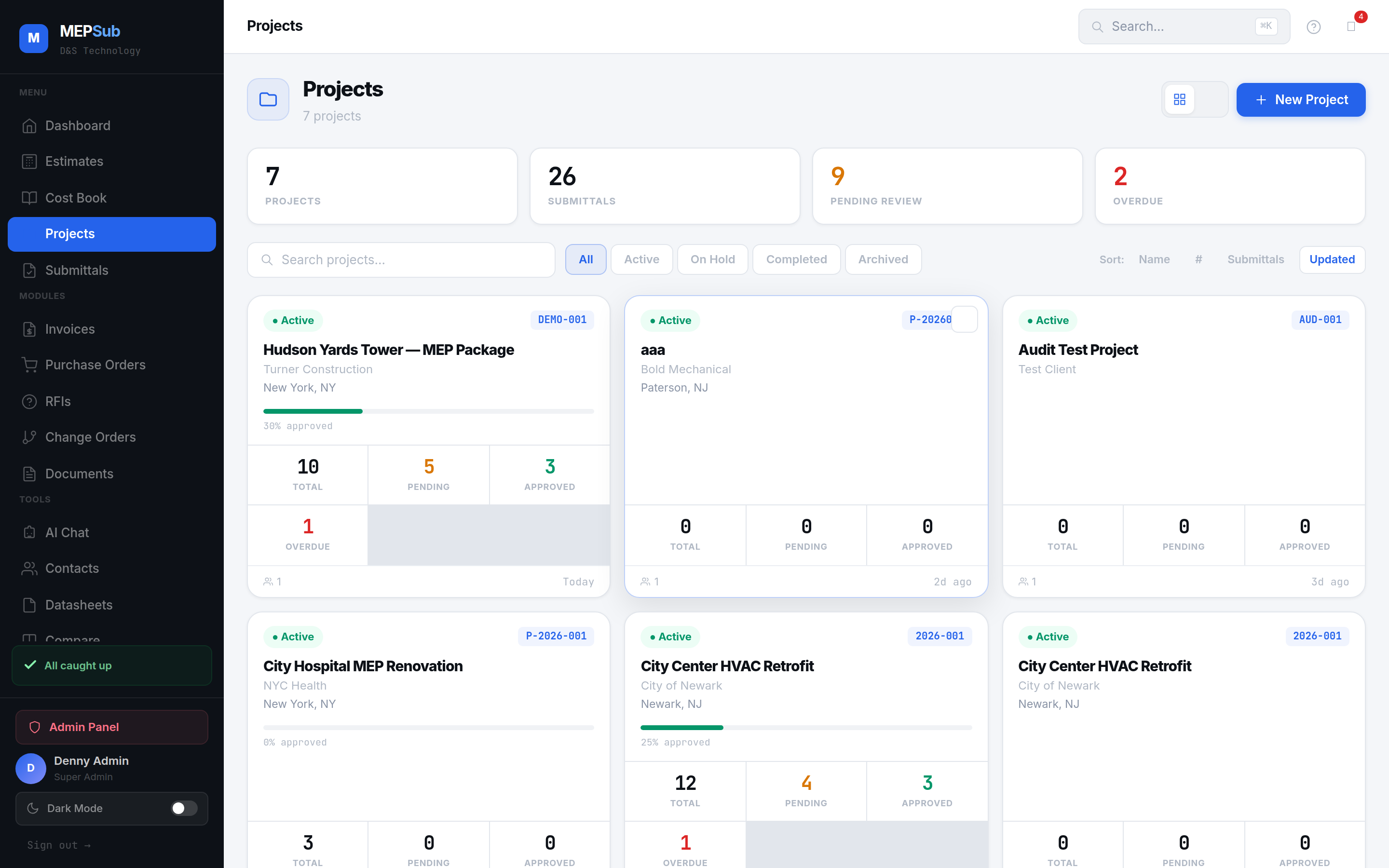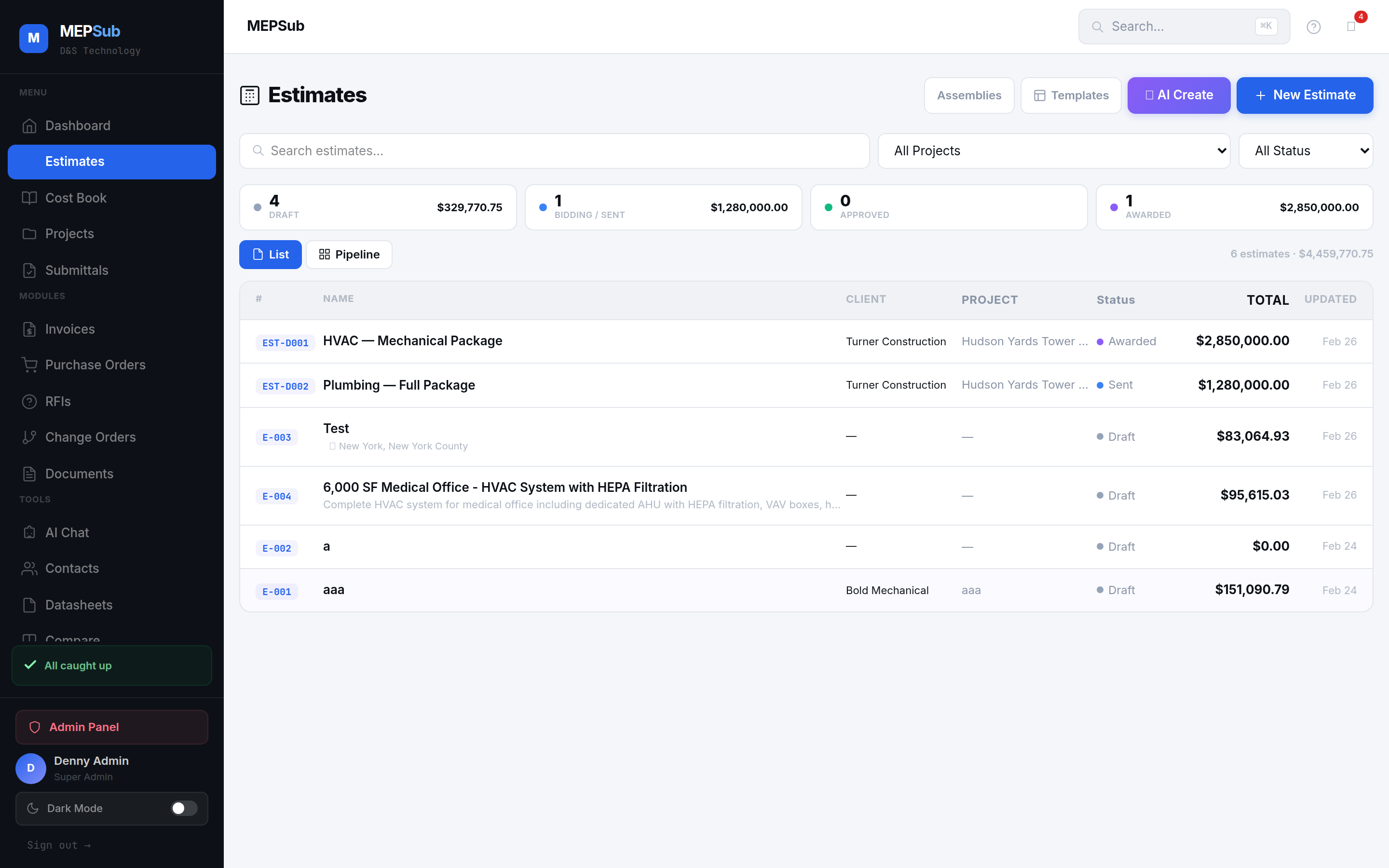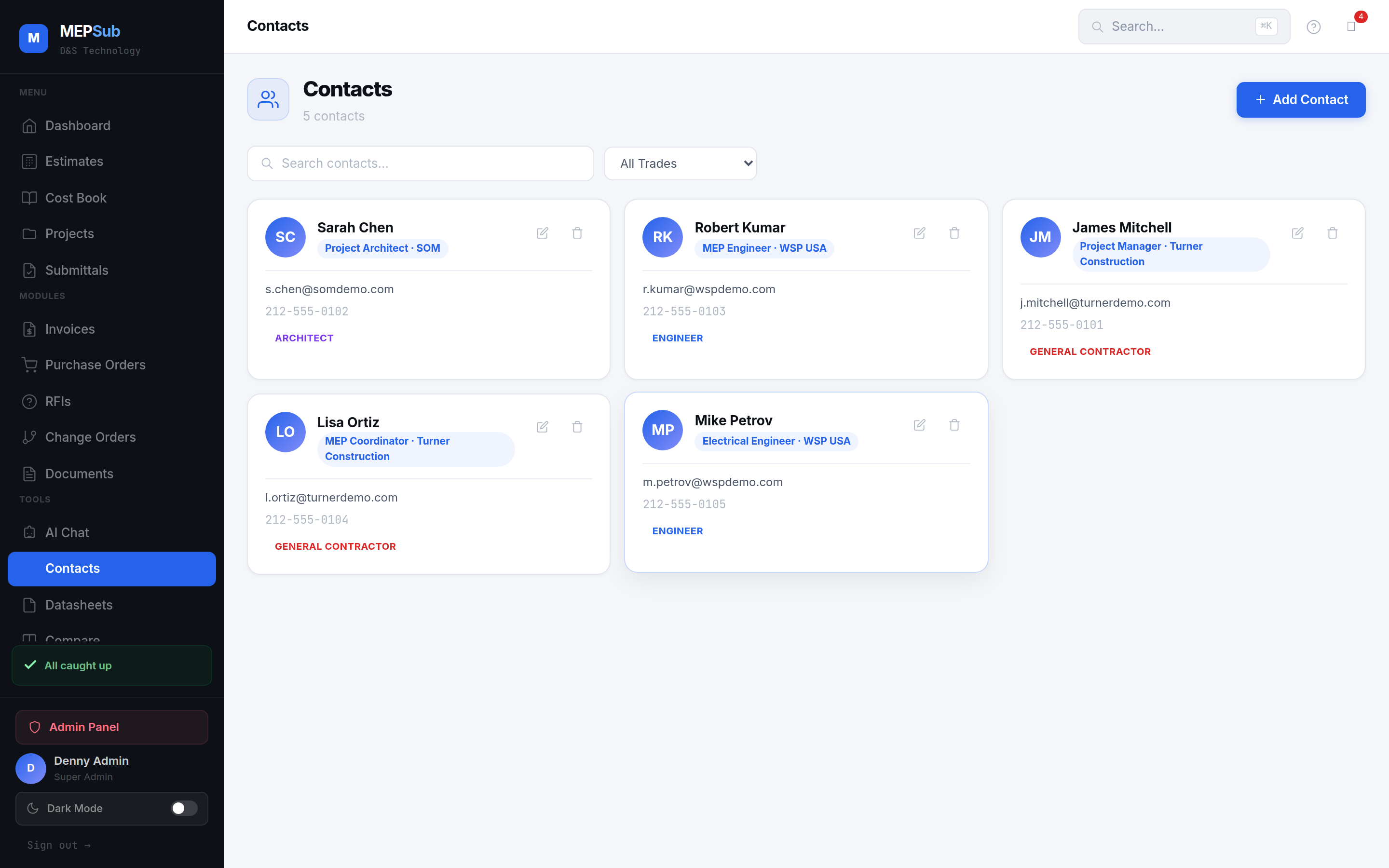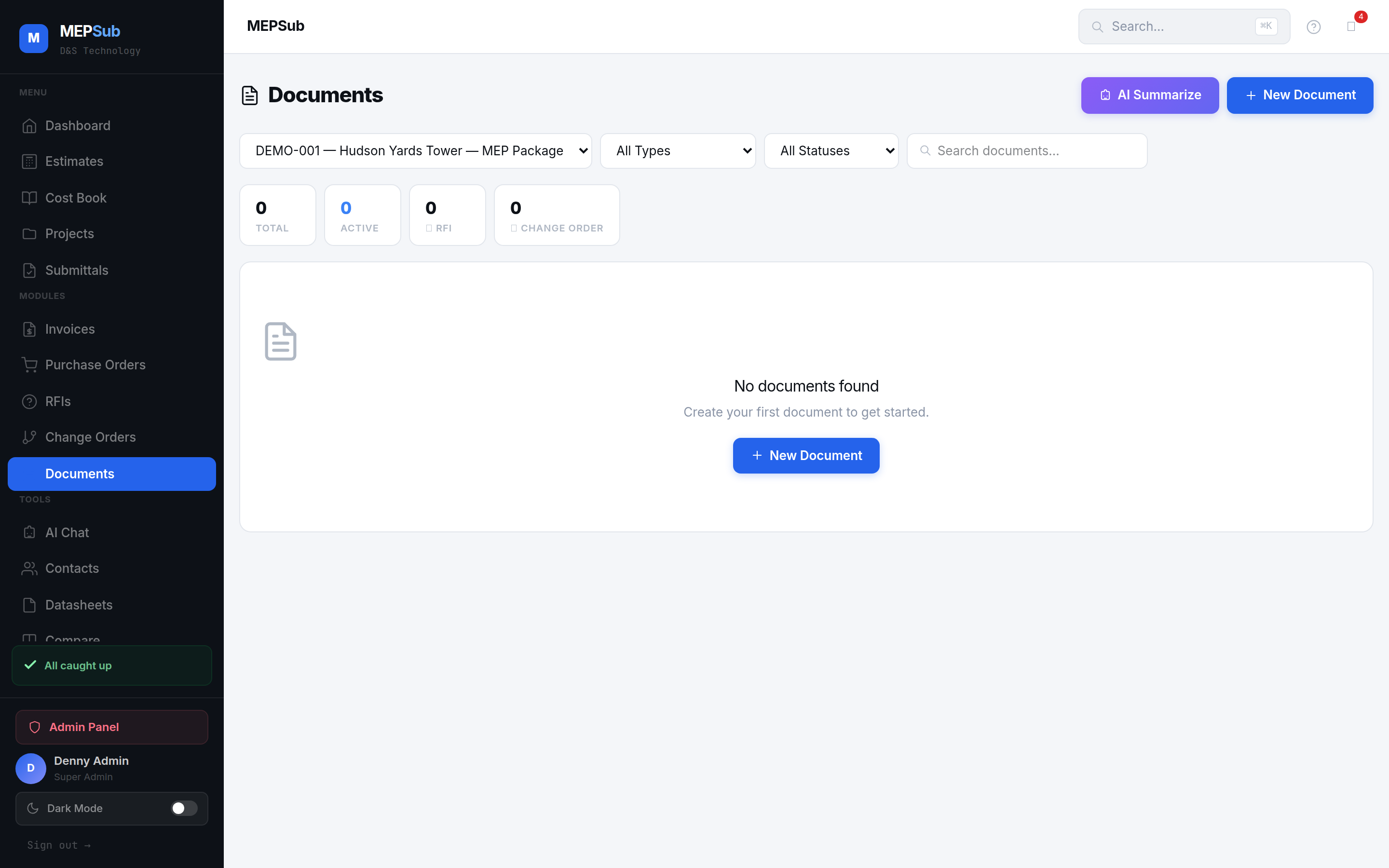
Documents page with RFIs, Change Orders, and real-time status tracking
Every document type MEP contractors need — created, tracked, and managed in one unified system.
Select from 7 document types — RFI, Change Order, Daily Report, Punch List, Meeting Minutes, Closeout, General.
Title, description, priority, category, assigned to, cost impact. All fields tailored to the document type.
Follow each document through its workflow — Draft → Submitted → Under Review → Approved/Closed.
See aggregate cost impact of change orders, overdue items, and document statistics at a glance.
Create and track Requests for Information with priority levels, due dates, and response tracking.
Document scope changes with cost impact, schedule impact, and approval workflows.
Record crew counts, work performed, weather, safety observations, and material deliveries.
Track items needing correction with room-specific locations, photos, and completion status.
Document OAC meetings with attendees, discussion items, action items, and follow-ups.
Manage O&M manuals, as-builts, warranties, test reports, and training records.
Click any image to enlarge.