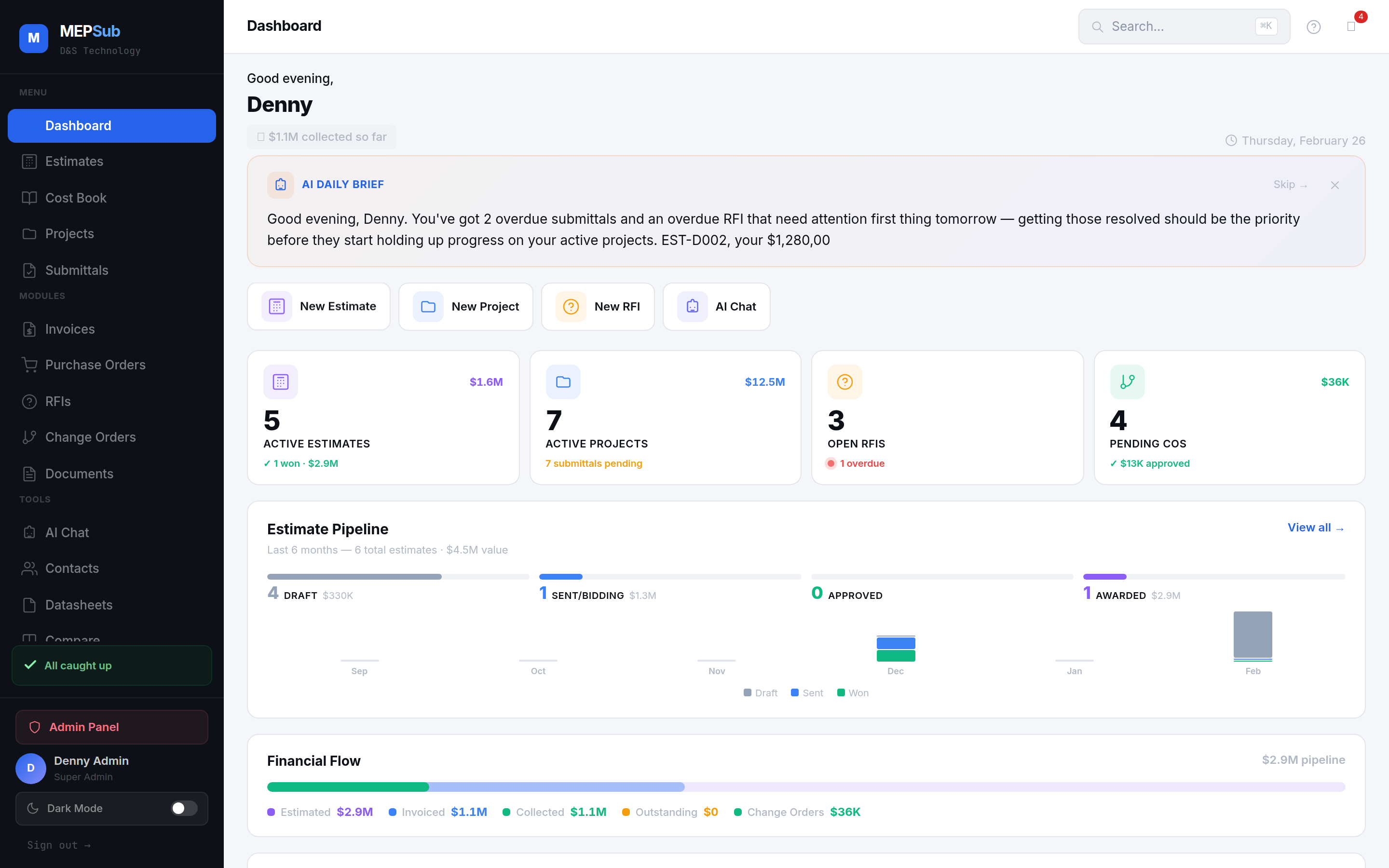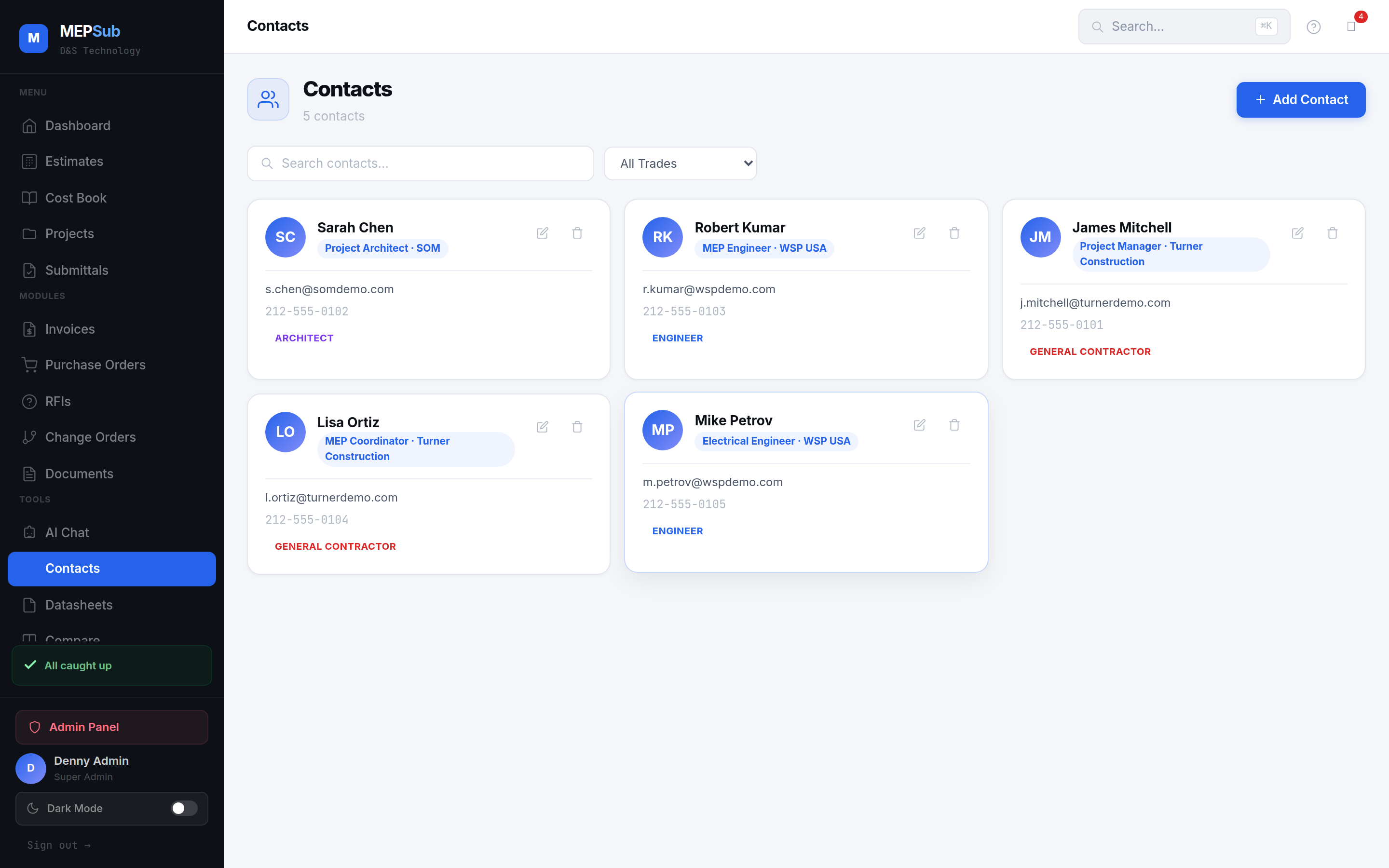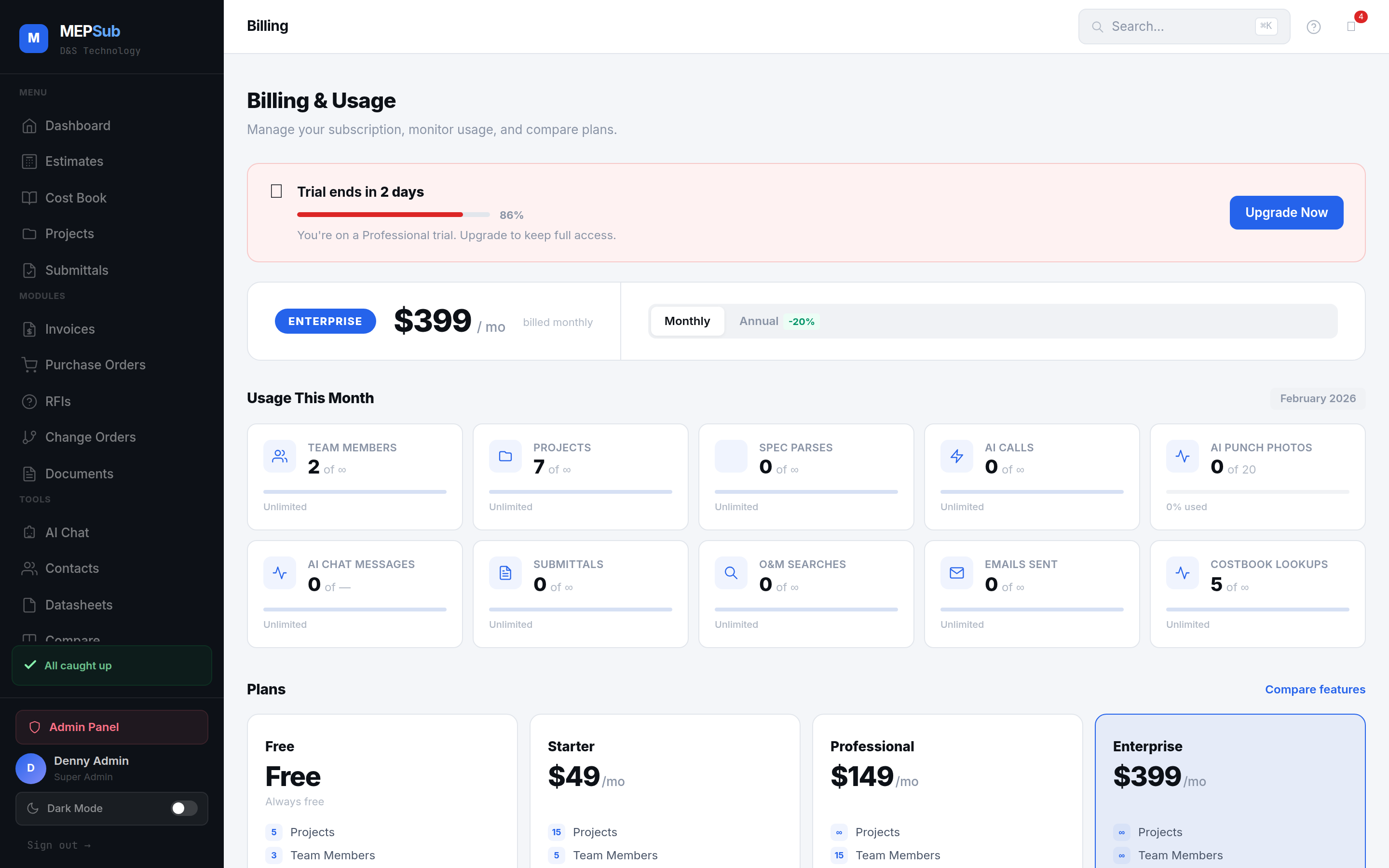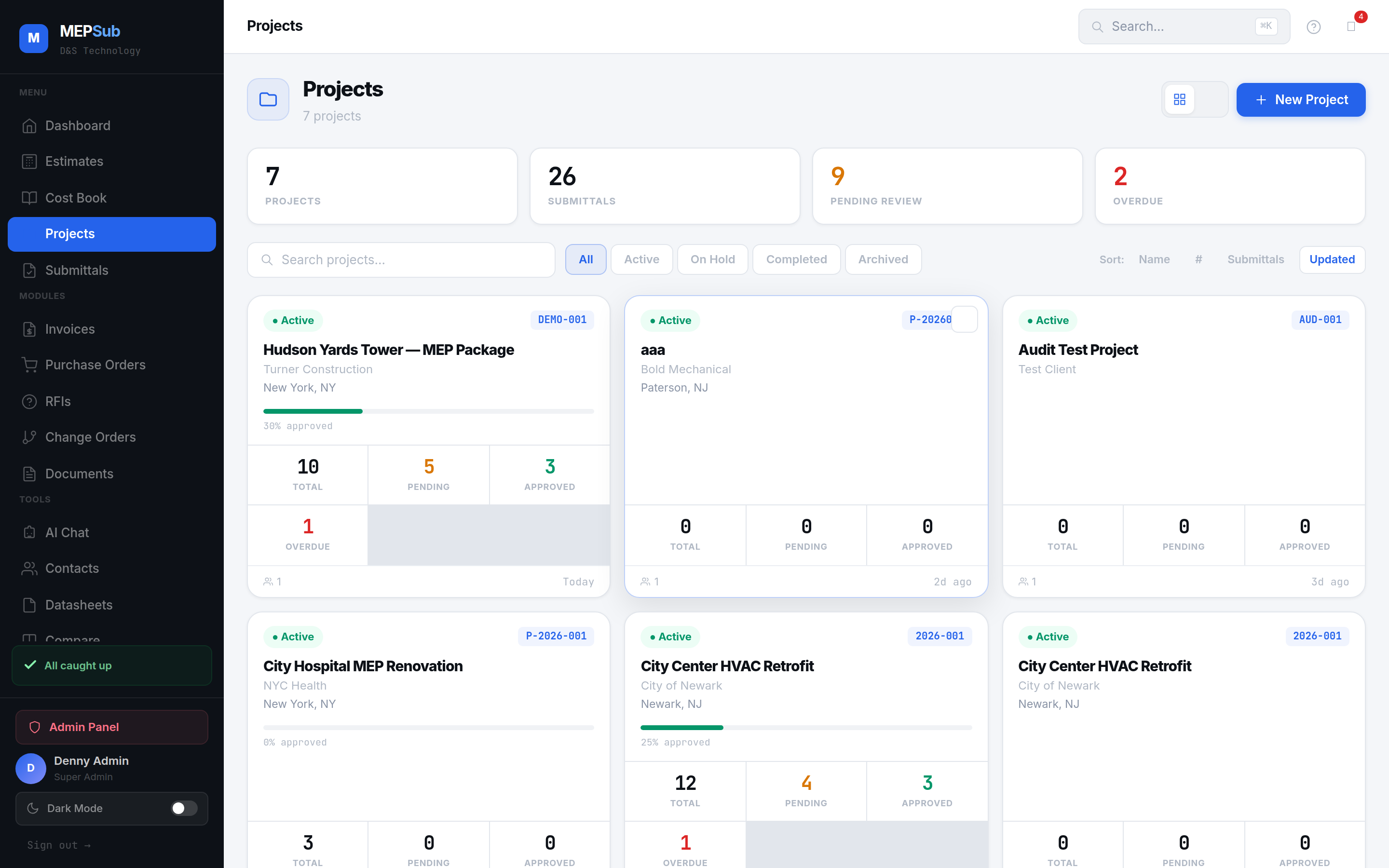
Projects page with active jobs, contract values, and status overview
Every project gets its own dashboard with submittals, documents, estimates, POs, and activity timeline.
Set up with name, number, client, contract value, dates, and project type.
Invite team members, assign roles, and create distribution lists for each discipline.
Create submittals, documents, estimates, and POs — all linked to the project.
Activity log shows every action. Dashboard summarizes status across all modules.
Overview with quick stats, module summaries, and navigation to all project areas.
Complete chronological log of every action — who did what and when.
Project Manager, Member, and Viewer roles. Control who can see and edit.
Groups of contacts for quick submittal routing — one click to send to the right engineers.
See submittals, documents, estimates, POs, and invoices from one project view.
Commercial, Healthcare, Residential, Education, Government — categorize your portfolio.
Click any image to enlarge.