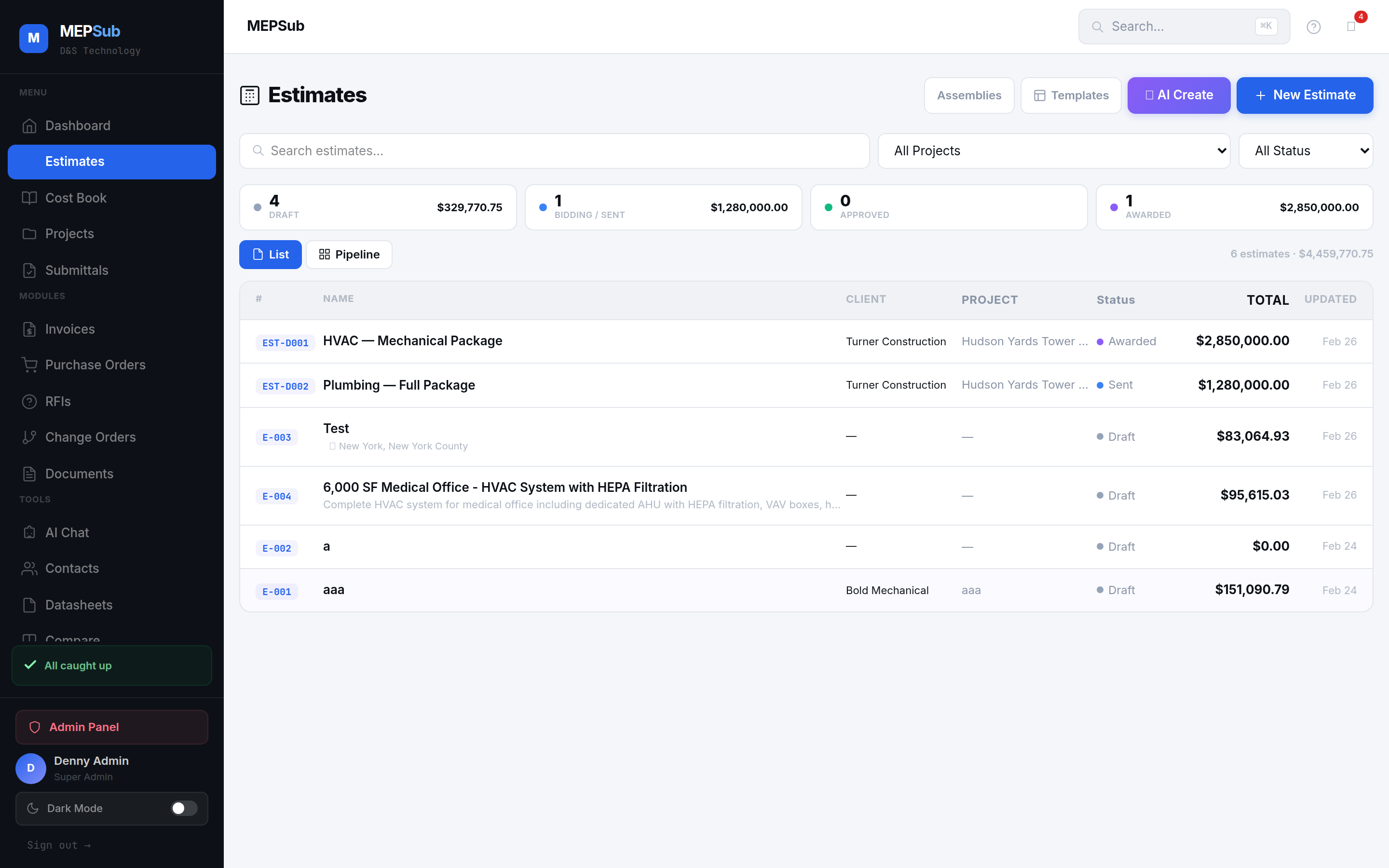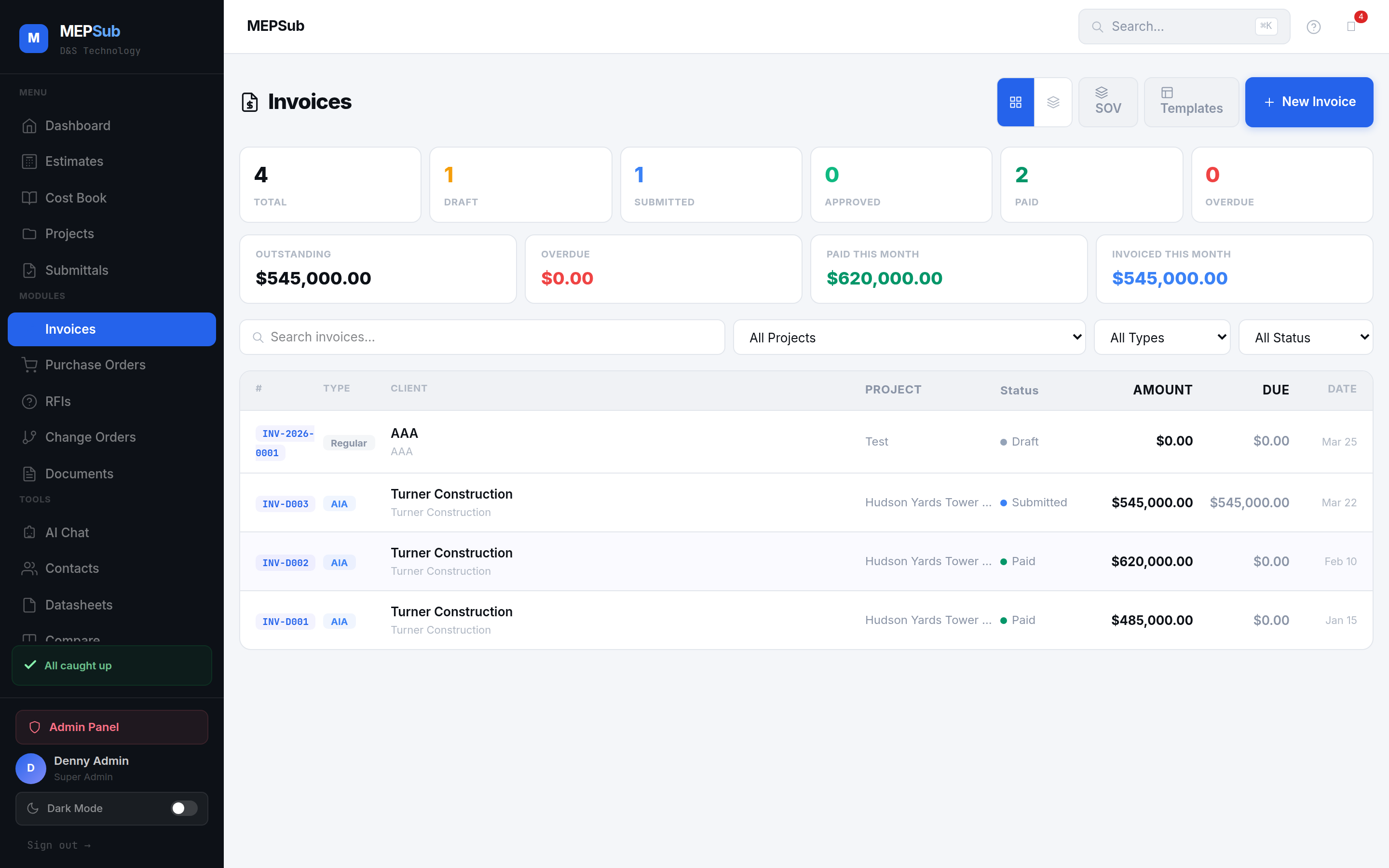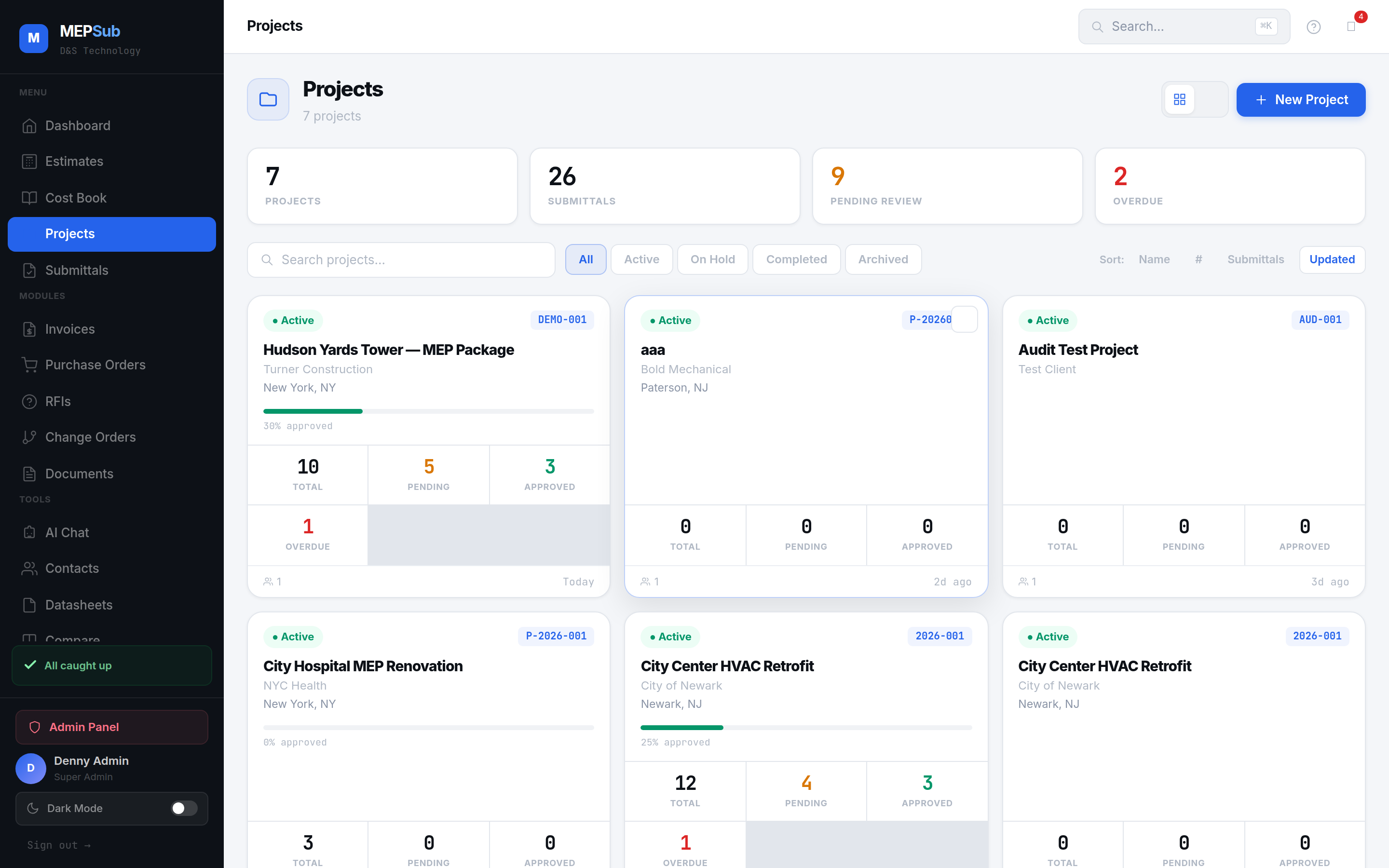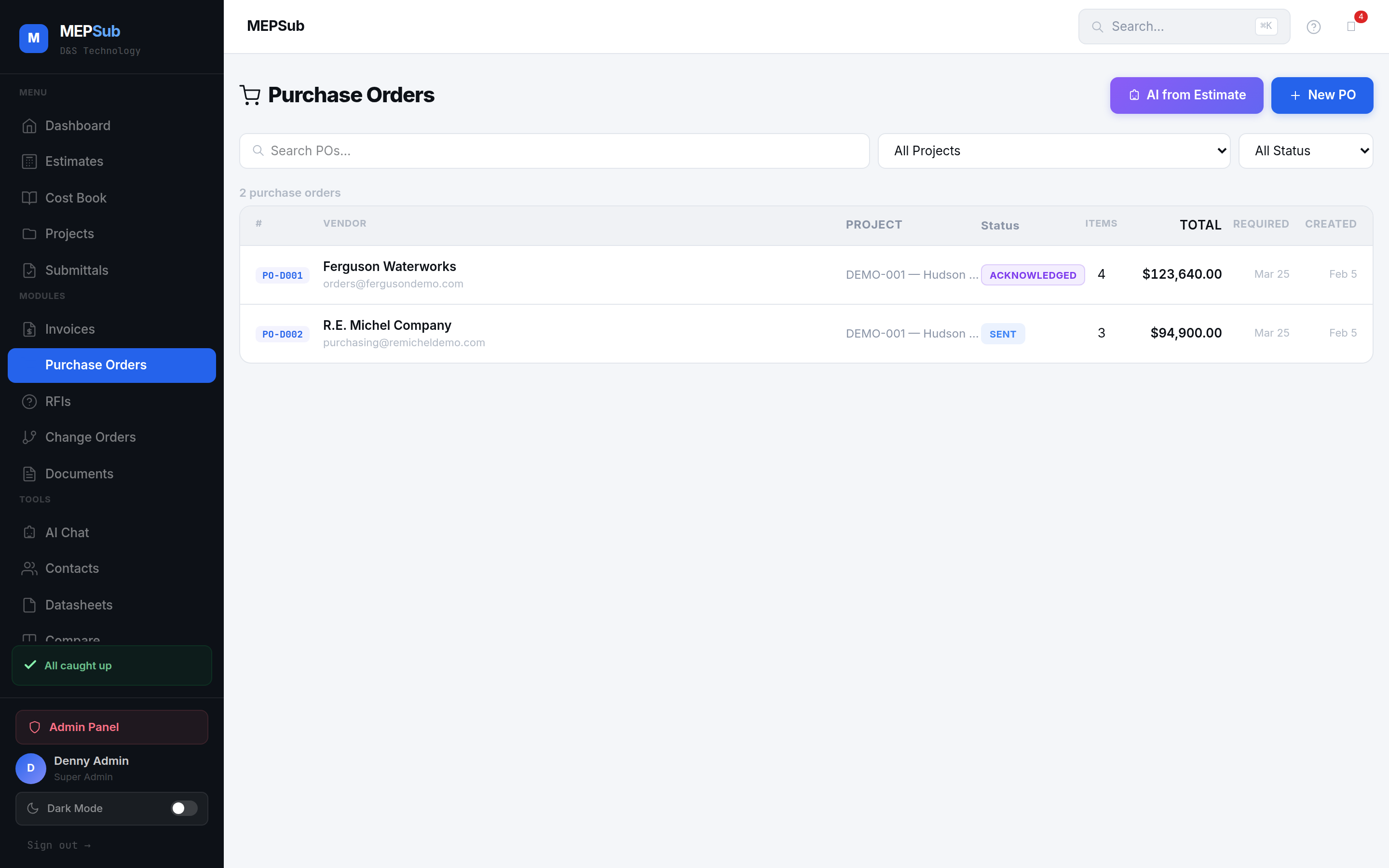
Purchase orders with vendor tracking and delivery status
Create POs manually or let AI generate them from your estimates. Track from order to delivery.
Enter vendor details, payment terms, and line items. Or let AI generate POs from your estimate materials.
Email a professional PDF to your vendor directly from MEPSub.
Follow each PO: Draft → Sent → Acknowledged → Shipped → Received.
Track expected vs actual delivery dates, lead times, and shipping details.
AI analyzes your estimate materials and groups items by vendor, creating POs automatically.
Send professional PO PDFs directly to vendors with your company branding.
Color-coded status badges: Draft, Sent, Acknowledged, Shipped, Received, Cancelled.
Description, part number, manufacturer, quantity, unit, price — with live total calculation.
Expected delivery dates, actual arrival, lead time monitoring.
Total outstanding PO value, items by vendor, and project-level procurement summary.
Click any image to enlarge.